|
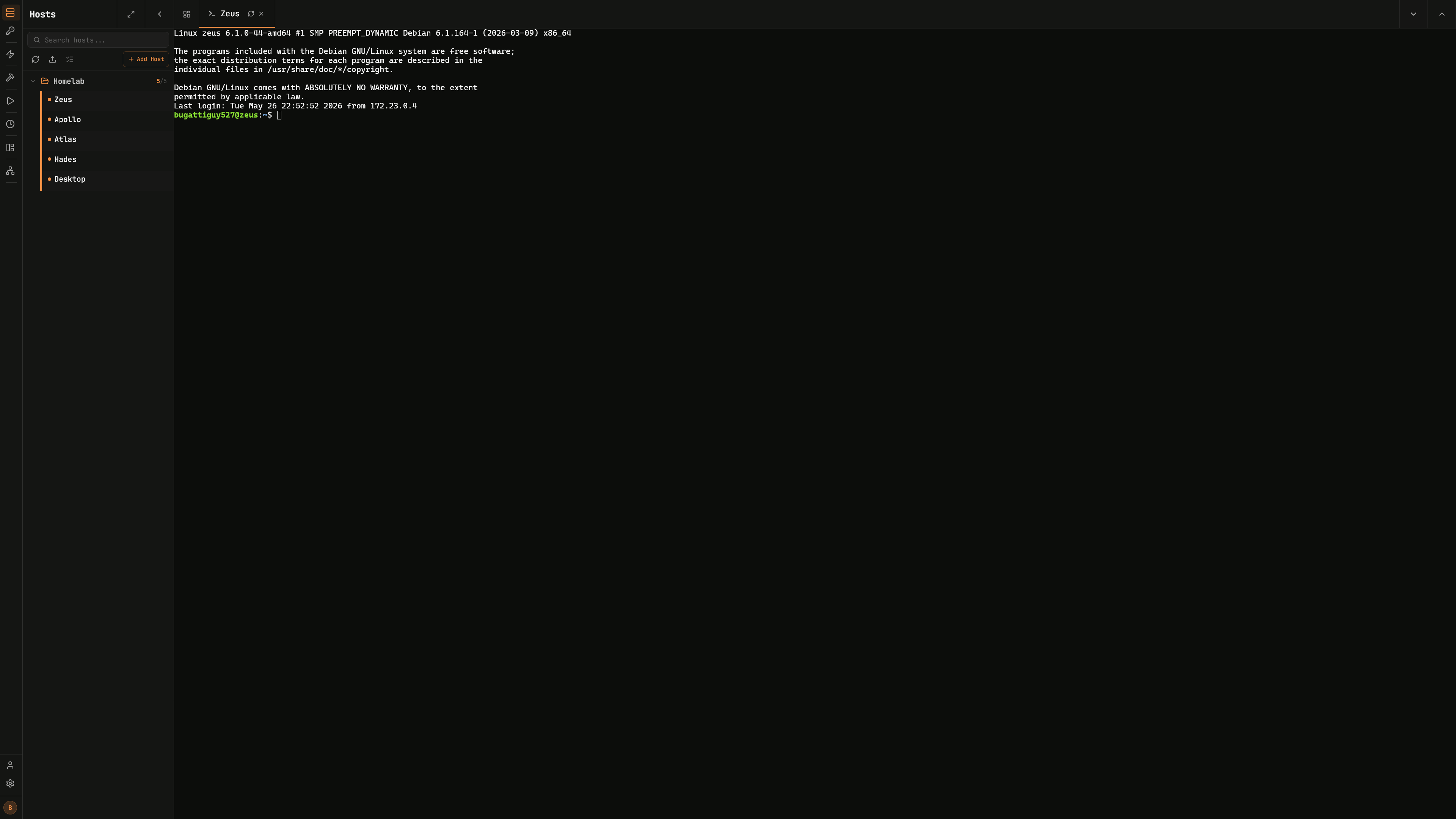
**SSH Terminal Access:**
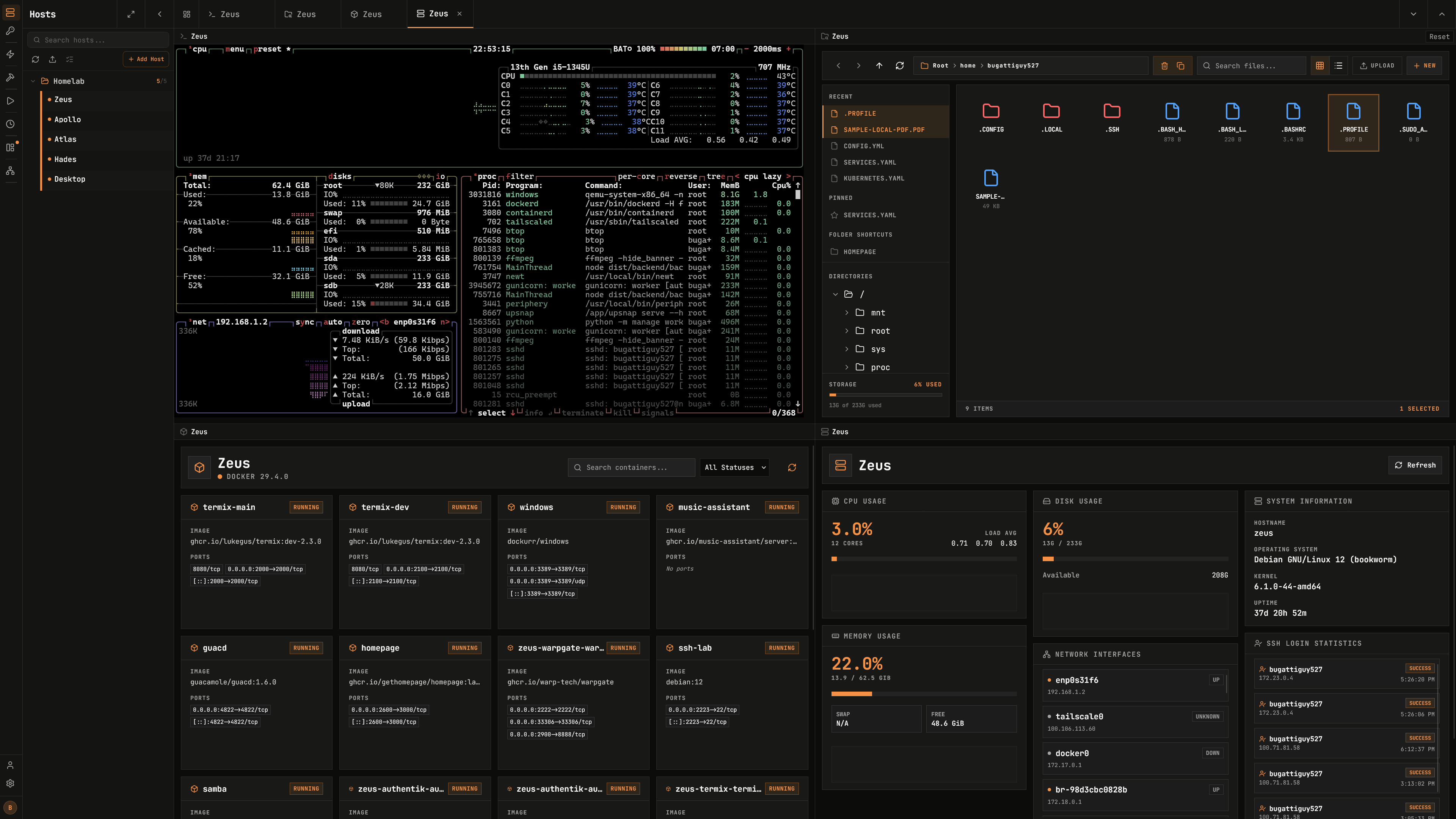
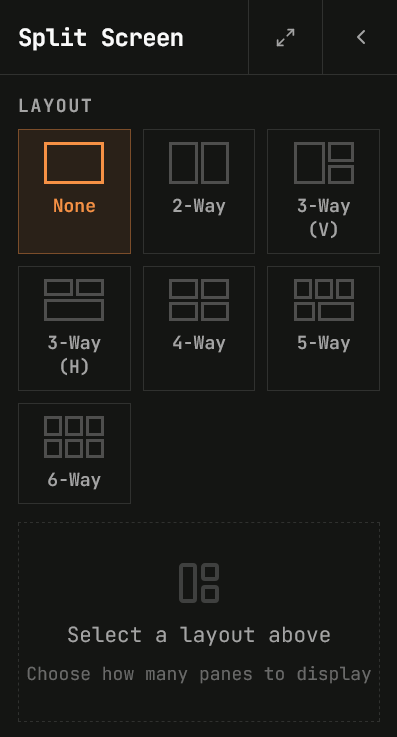
Full-featured terminal with split-screen support (up to 4 panels) with a browser-like tab system. Includes support for customizing the terminal including common terminal themes, fonts, and other components.
|
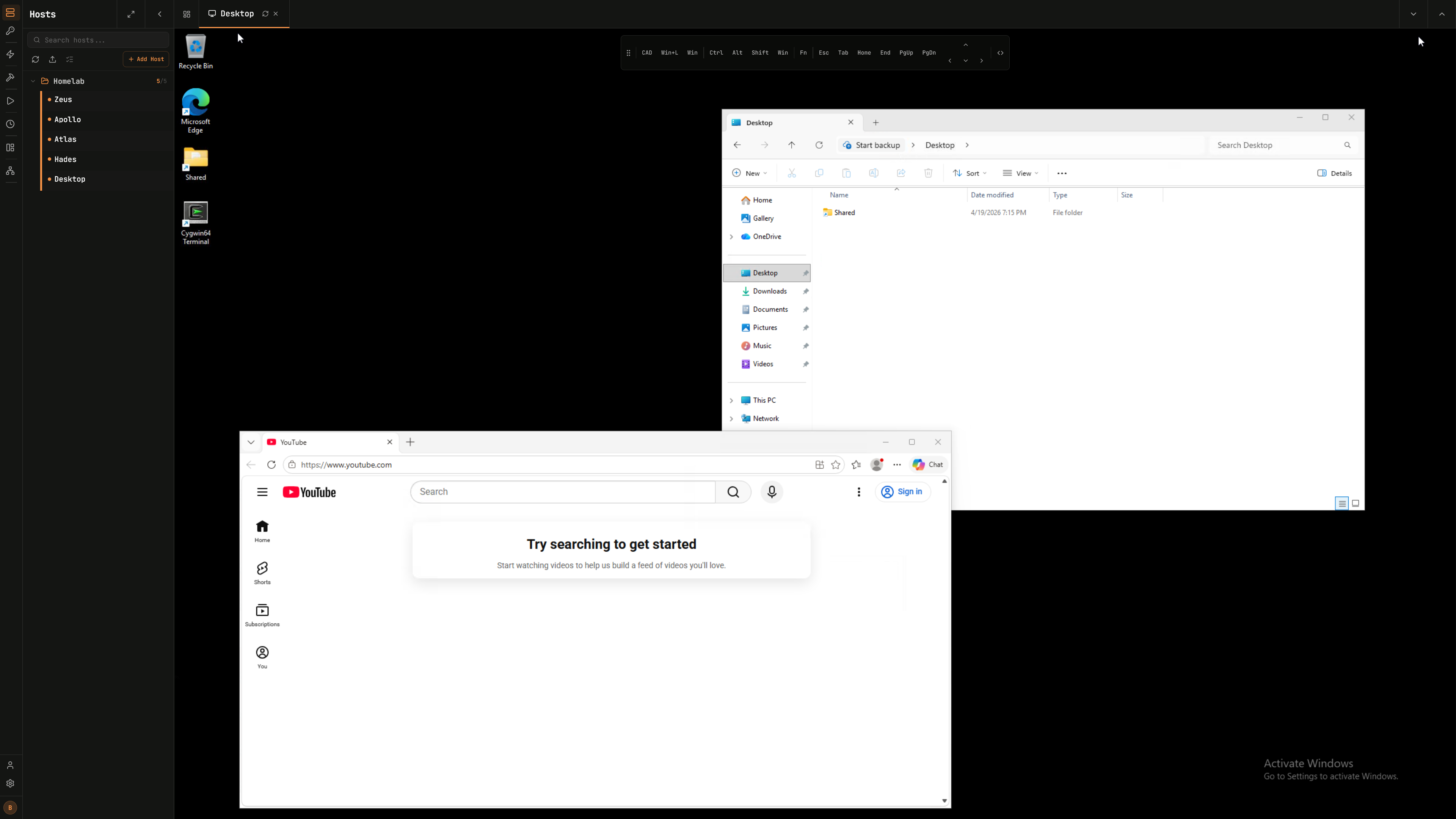
**Remote Desktop Access:**
RDP, VNC, and Telnet support over the browser with complete customization and split screening.
|
|
**SSH Tunnel Management:**
Create and manage server-to-server SSH tunnels with automatic reconnection, health monitoring, and local, remote, or dynamic SOCKS forwarding. Desktop client-to-server tunnel settings are stored locally per desktop install, optional C2S preset snapshots can be saved to the server, renamed, loaded, or deleted when you want to move a local tunnel configuration between clients.
|
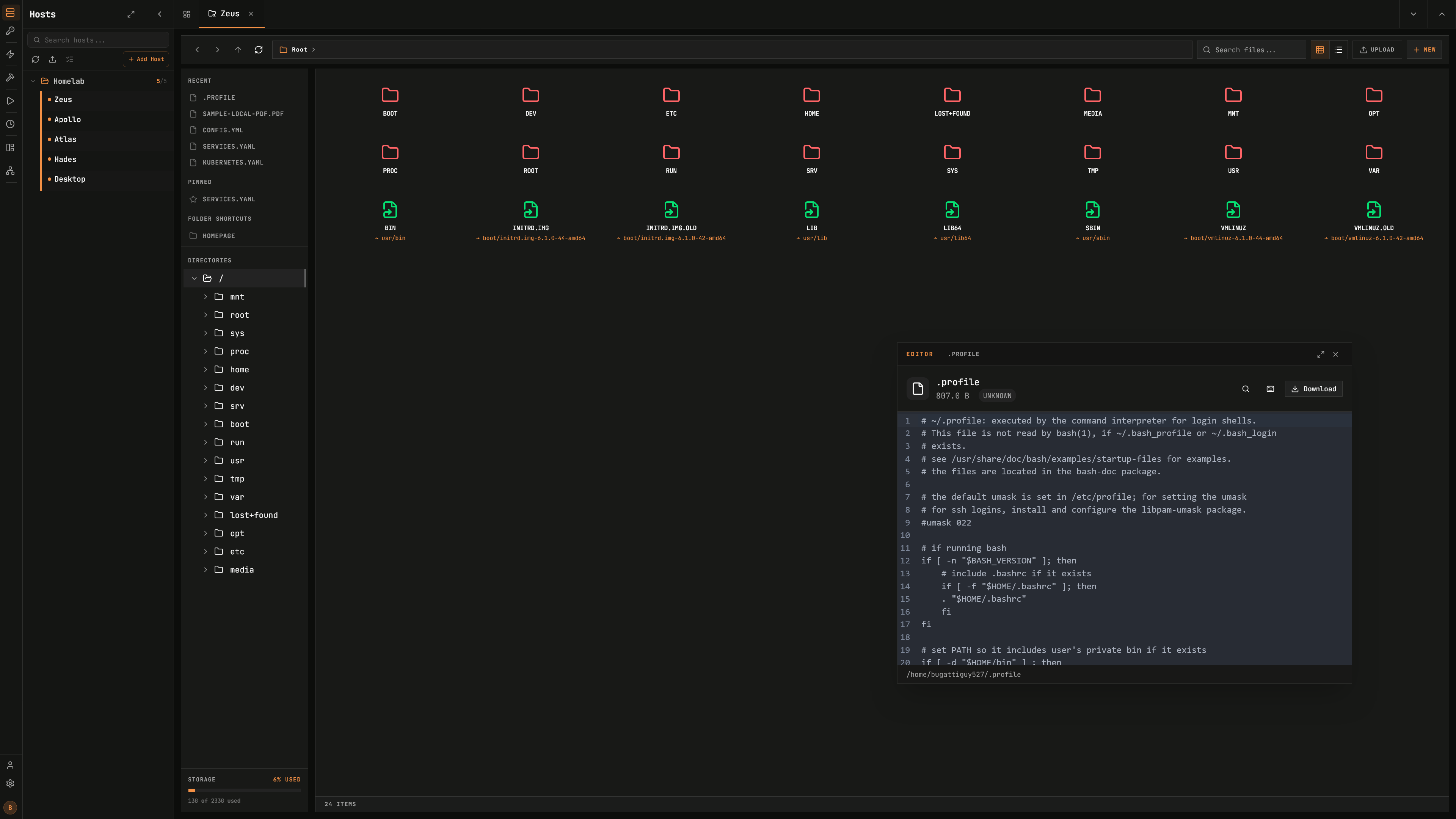
**Remote File Manager:**
Manage files directly on remote servers with support for viewing and editing code, images, audio, and video. Upload, download, rename, delete, and move files seamlessly with sudo support. Includes support for moving files from server to server.
|
|
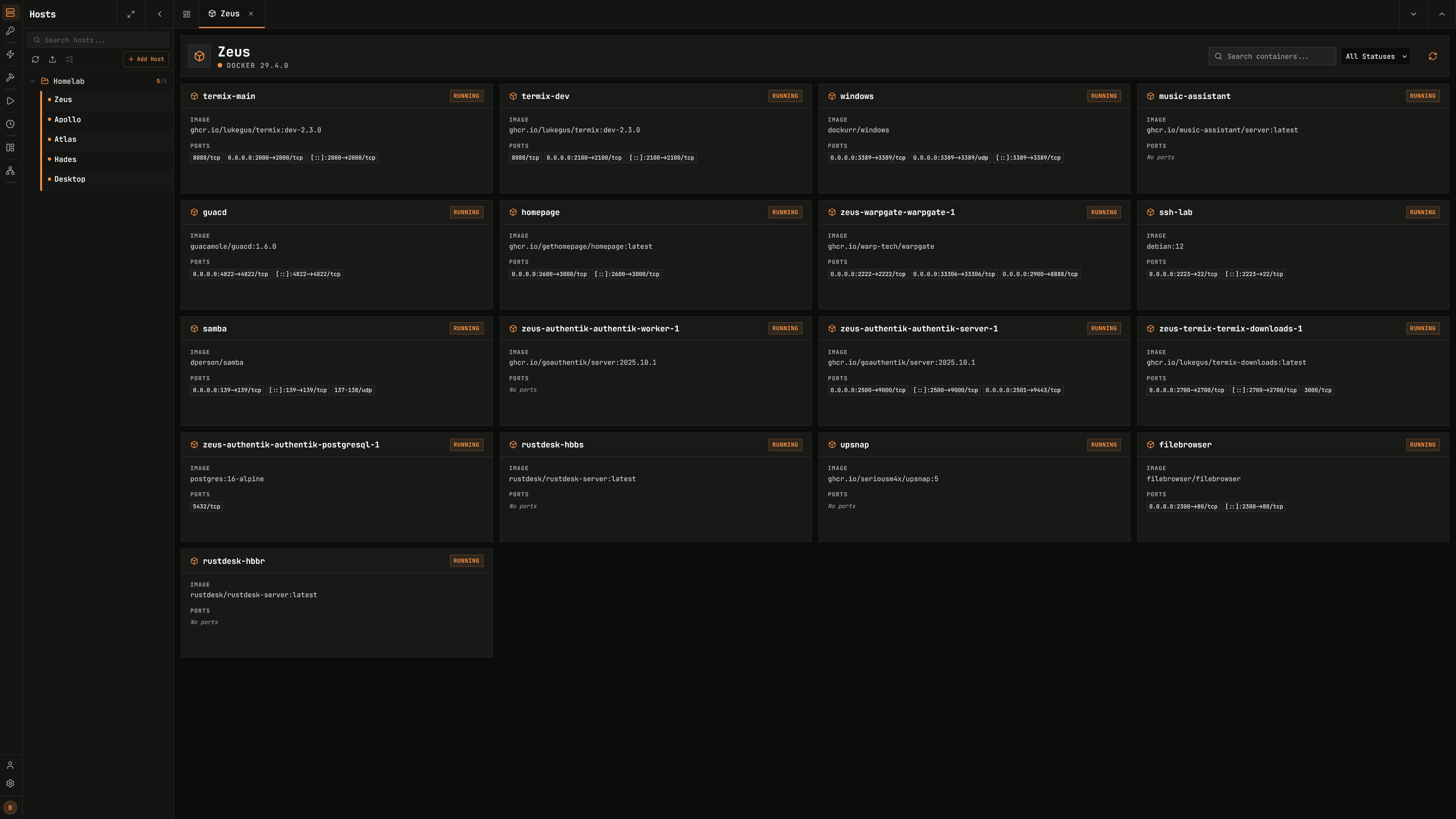
**Docker and Podman Management:**
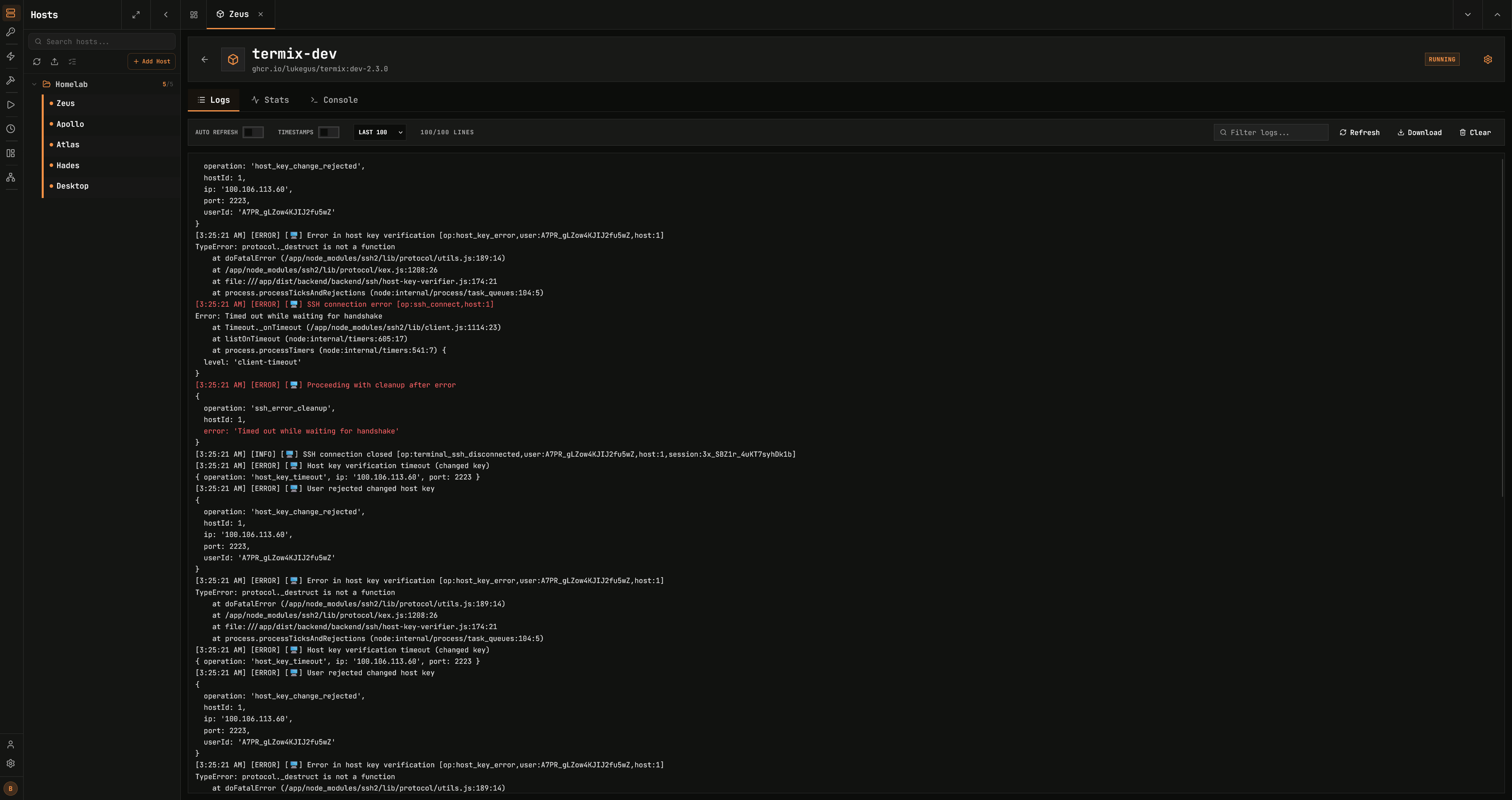
Start, stop, pause, remove containers. View container stats. Control containers using a docker exec terminal. Supports both Docker and Podman as the container runtime. It was not made to replace Portainer or Dockge but rather to simply manage your containers compared to creating them.
|
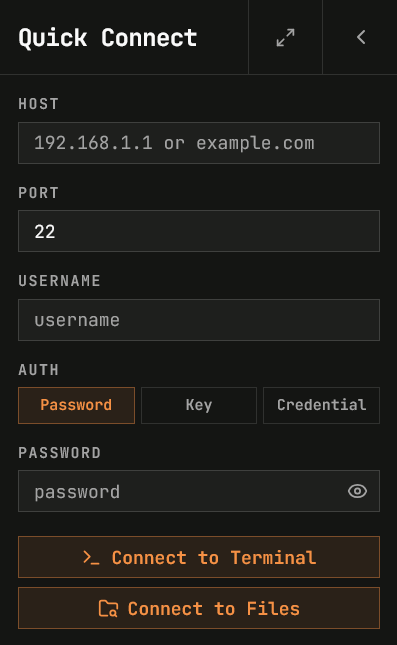
**SSH Host Manager:**
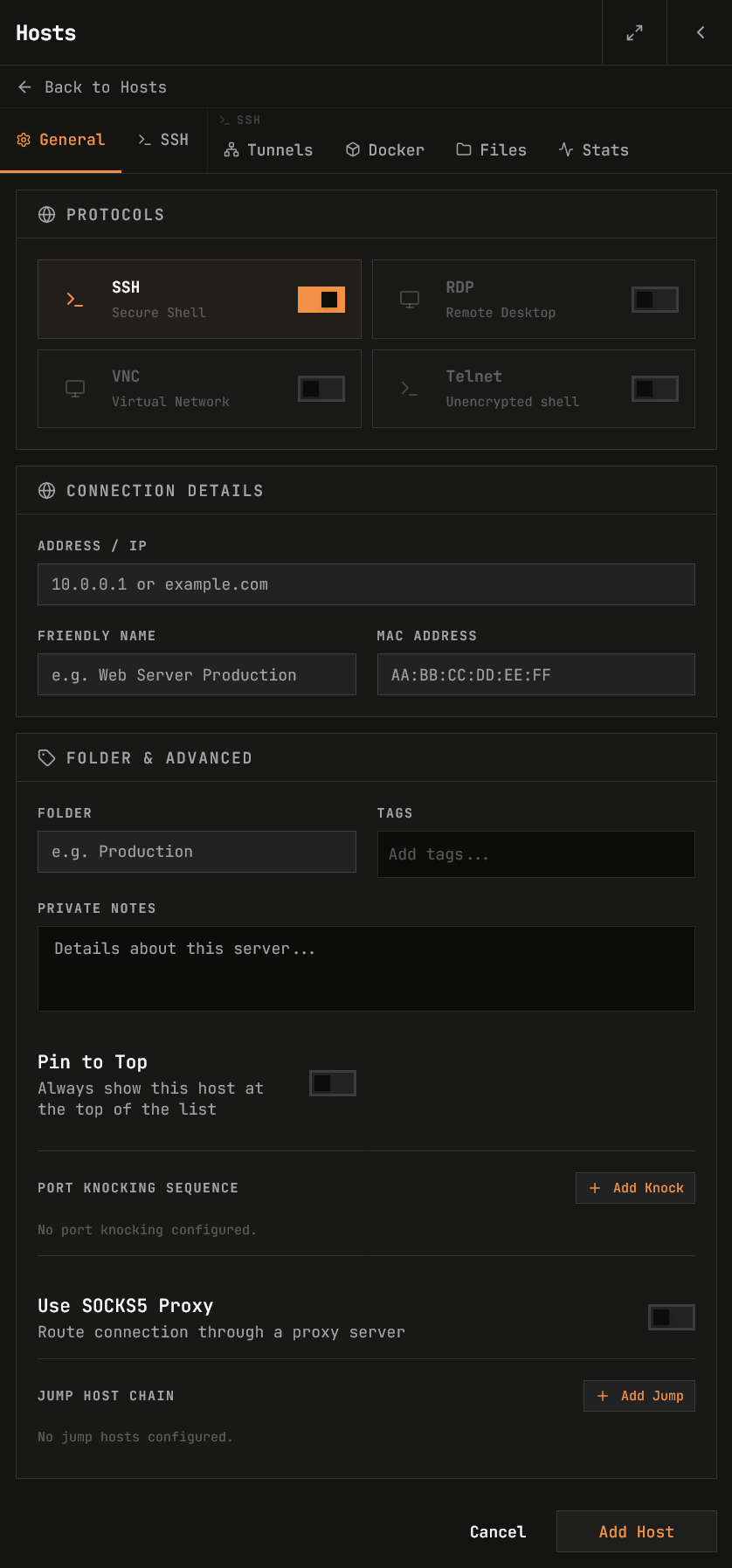
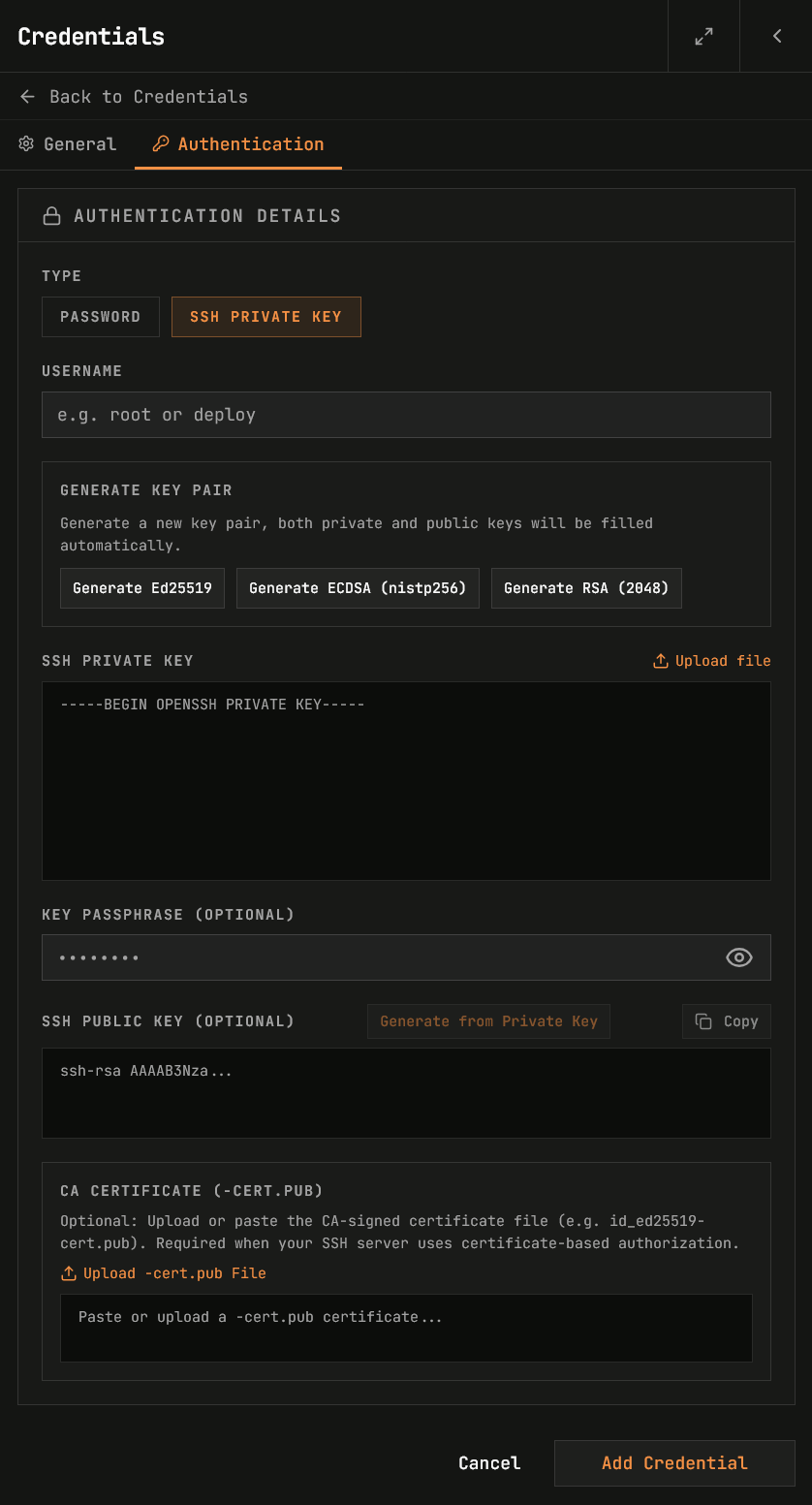
Save, organize, and manage your SSH connections with tags and folders (folder customization and nested folder support), and easily save reusable login info while being able to automate the deployment of SSH keys.
|
|
**Host Metrics:**
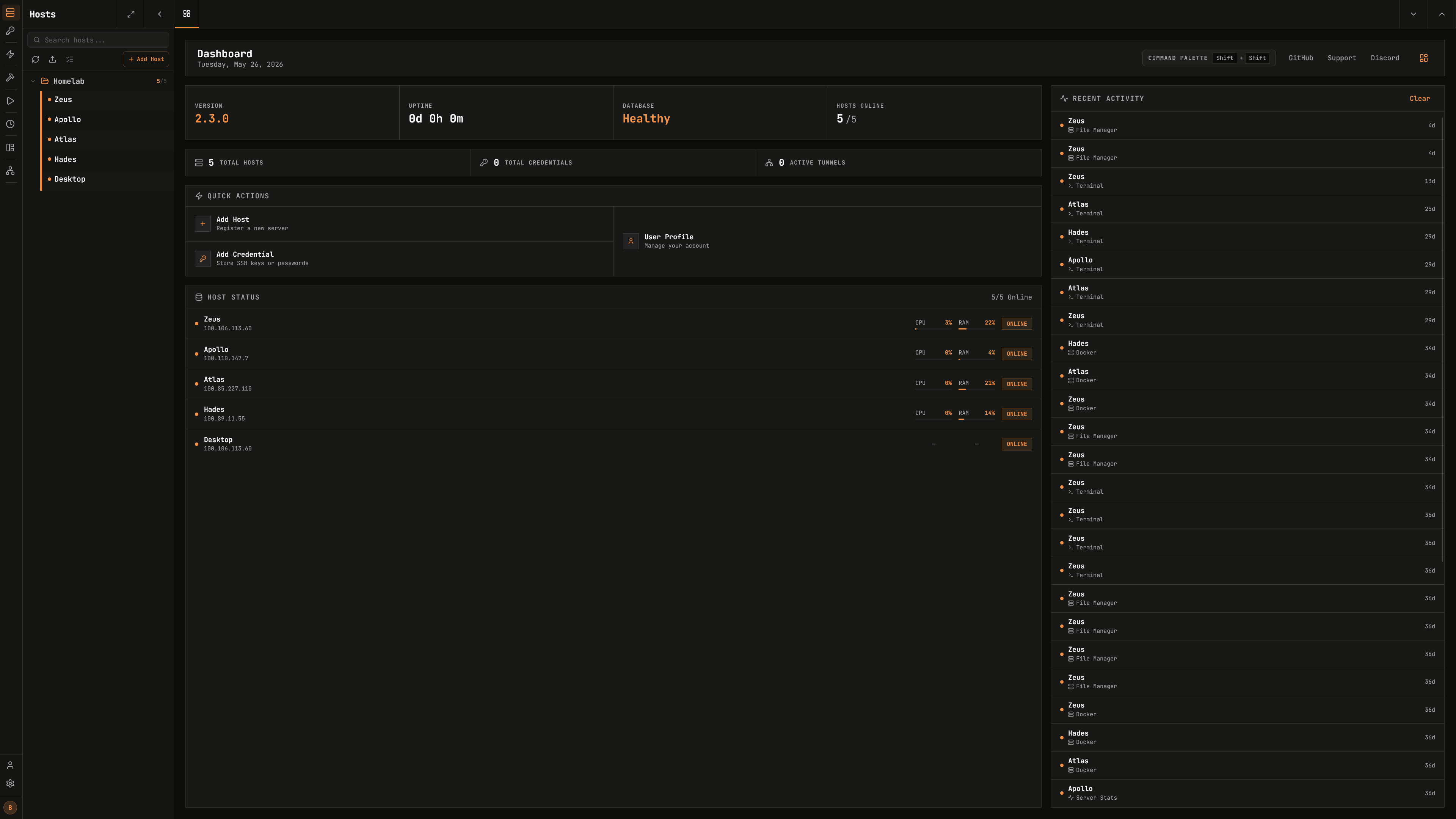
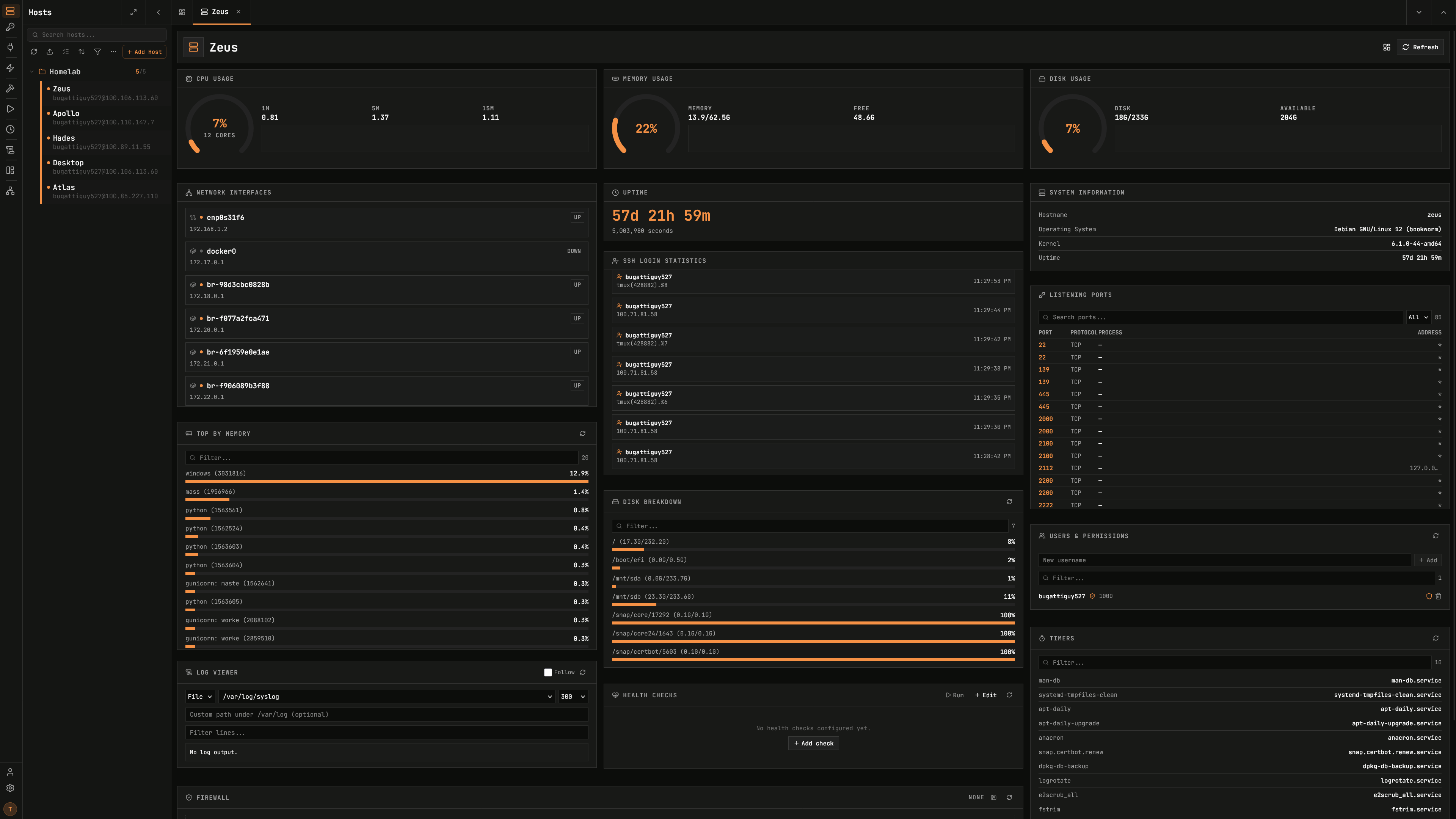
View CPU, memory, disk usage, network, uptime, system information, firewall, port monitor, log viewer, users/permissions, certificates, and many more which work on most Linux based servers. Includes time-series history graphs and threshold-based alerts with ntfy and webhook support.
|
**User Authentication:**
Secure user management with admin controls and OIDC/LDAP/SSO (with access control), 2FA (TOTP), and passkey (WebAuthn) support. View active user sessions across all platforms and revoke permissions. Link your OIDC/Local accounts together. View audit log of all users actions.
|
|
**Tailscale Integration:**
List devices from your tailnet to quickly add them as hosts, and connect using Tailscale SSH as an authentication method, letting your tailnet ACLs handle authorization without storing credentials.
|
**RBAC:**
Create roles and share hosts across users/roles.
|
|
**Serial Connections:**
Connect to serial devices (routers, switches, microcontrollers, etc.) directly from the browser or desktop app. Configure baud rate, data bits, stop bits, and parity. Uses the Web Serial API in supported browsers or a native backend in the Electron app.
|
**Alerts:**
Set threshold-based alert rules on host metrics (CPU, memory, disk, etc.) and get notified via ntfy or webhooks when they fire. View firing and resolved alerts in a history log.
|
|
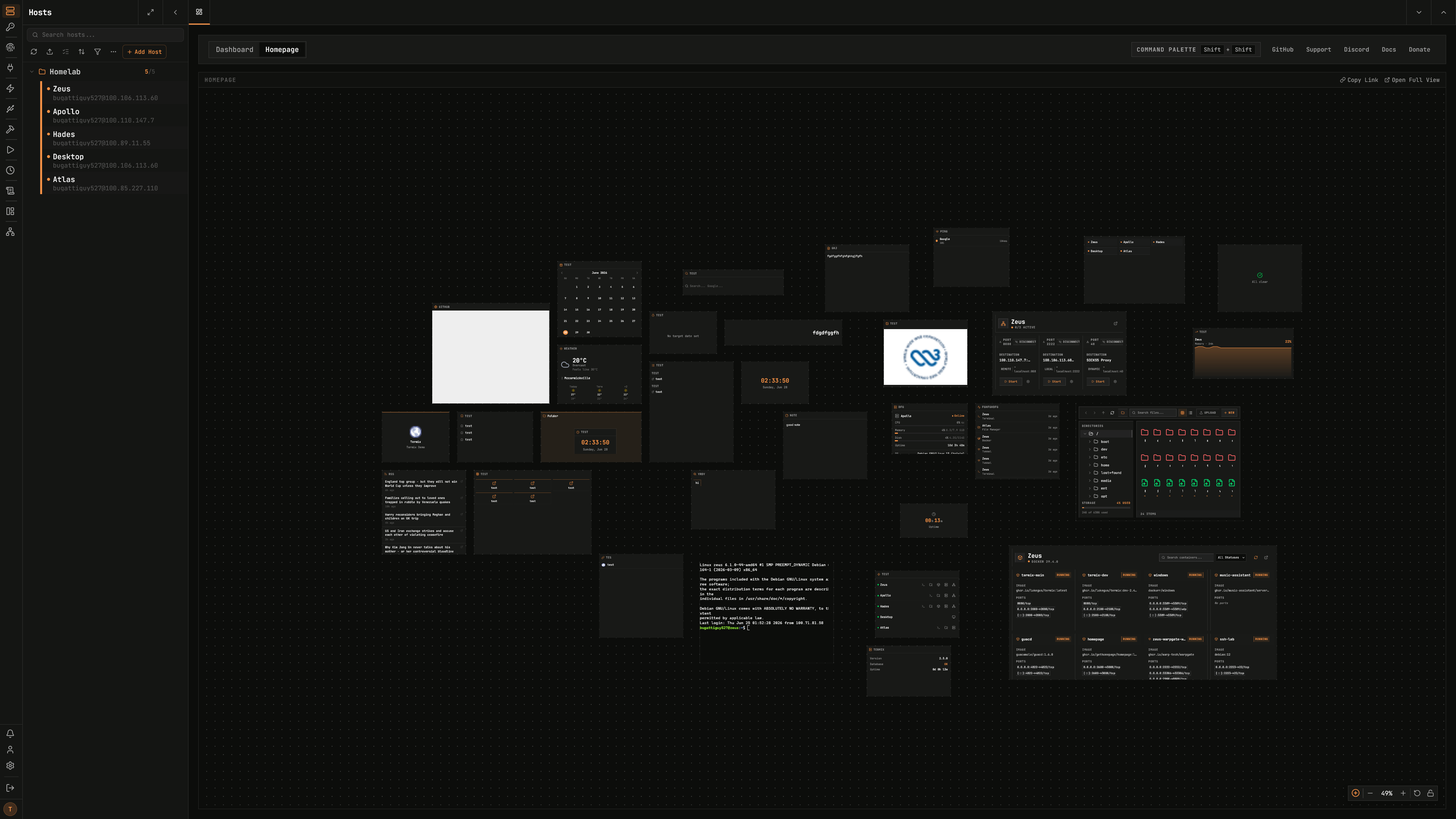
**Homepage:**
A fully customizable homepage with a drag-and-drop widget grid. Add widgets for host status, service links, clocks, notes, RSS feeds, weather, Docker containers, host metrics charts, embedded terminals, iframes, and more.
|
**Database Encryption:**
Backend stored as encrypted SQLite database files. View [docs](https://docs.termix.site/security) for more.
|
|
**Network Graph:**
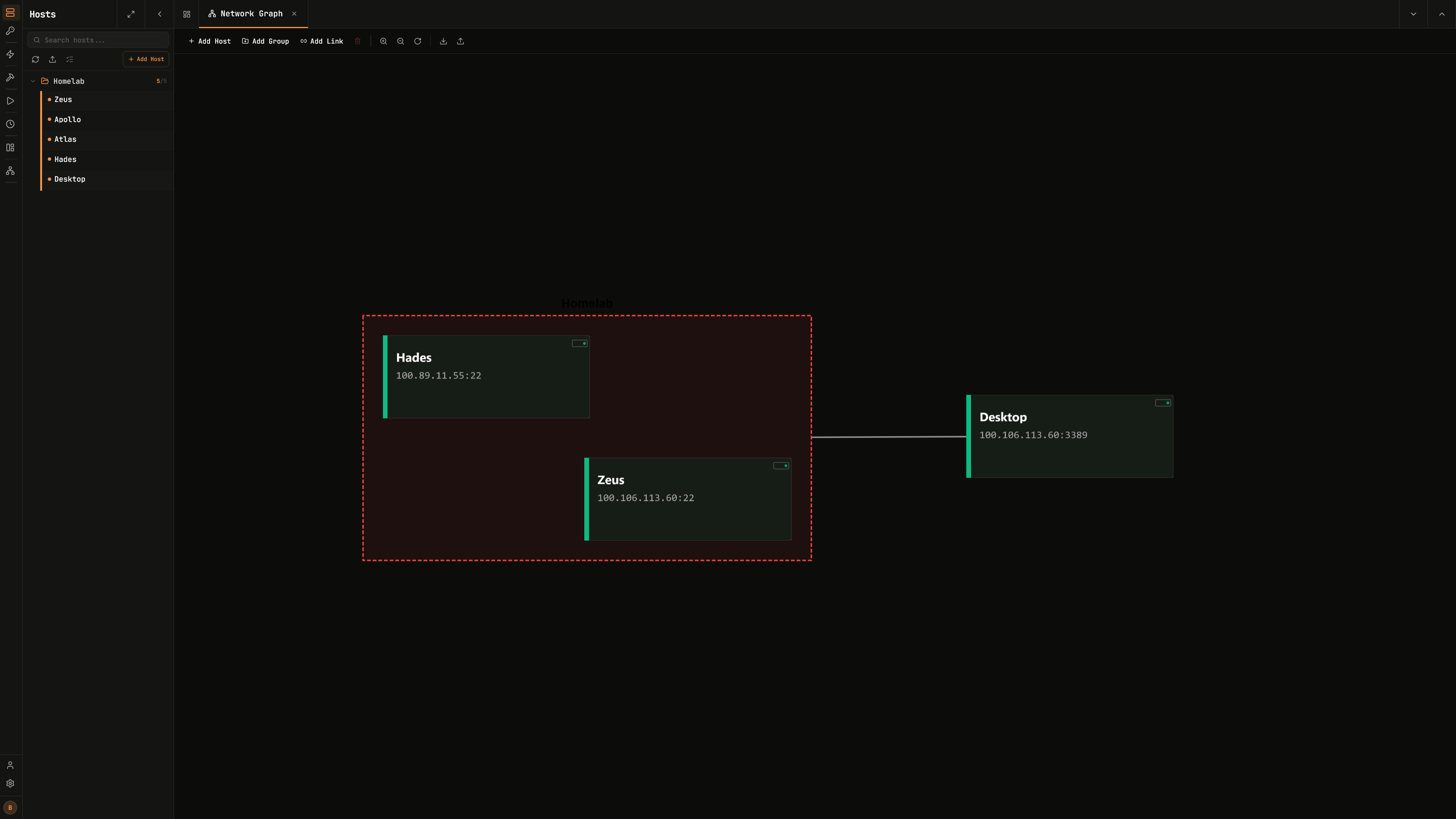
Customize your Dashboard to visualize your homelab based off your SSH connections with status support.
|
**SSH Tools:**
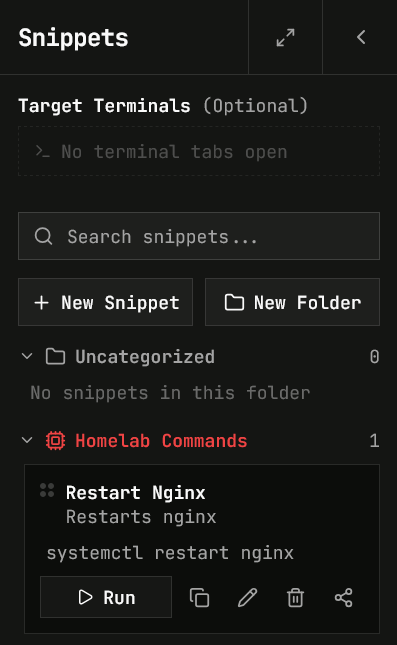
Create reusable command snippets that execute with a single click. Run one command simultaneously across multiple open terminals.
|
|
**Persistent Tabs:**
SSH sessions and tabs stay open across devices/refreshes if enabled in user profile.
|
**Languages:**
Built-in support ~30 languages (managed by [Crowdin](https://docs.termix.site/translations)).
|